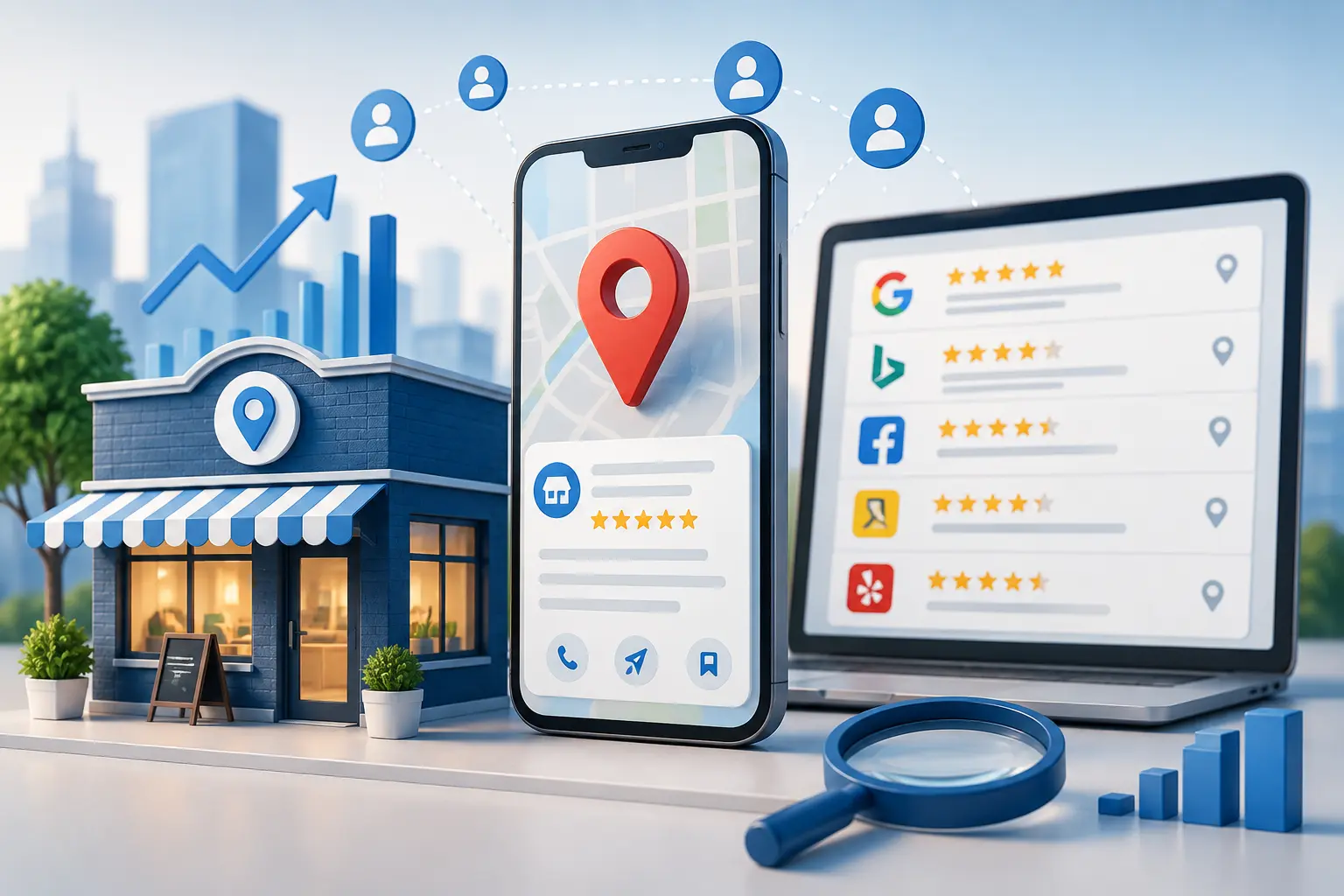
Want to attract more local customers to your business by finding your business on the Internet? You have to start with your business listings. There are several free business listing sites and a few free online business directories. GBP, Bing Places, Yelp, and BuzyList are some of the
TL;DR: Listing your business online can help more local customers find and trust your business. Keep your details consistent, choose the right directories, add quality information and photos, manage reviews, and keep your listings updated. BuzyList makes it easy to showcase your business, services, contact details, and location online. Ready to get discovered? List your business on BuzyList today.
A business listing provides your company's most important information to people who are searching for your products or services, such as your name, address, phone number, website, opening hours, and reviews.
However, having a listing is not enough, you have to make sure that your information is accurate and up to date on all directories where your company is listed. There are other factors that affect local SEO such as choosing the most relevant business directories, adding images, updating the profile and managing reviews.
In this article, we will share valuable knowledge on how to create and optimize business listings for local visibility or global expansion in the UK, Ireland, and the US market.
Step 1: Prepare Your Listing Assets
Before going on any platforms, prepare your listing assets. Search engines and directories will ask for your NAP (Name, Address, and Phone) to appear on listings. Make sure that your NAP is consistent across all sites. Some of the information needed is as follows:
Official Business Name: Should be the name that is registered (should not be keyword-rich).
Physical Address: Must include the street address with suite or apartment numbers if applicable.
Phone Number and Email: Must have a business phone number and email address.
Website URL: Should be a link to the company’s website or main page.
Operating Hours: Should state standard hours of operation as well as holiday hours if different than standard.
Description: A brief description (150-300 words) of the business and its services.
Pictures: Pictures (high resolution) of the logo, storefront, staff, and/or products.
Step 2: List Your Business on Top Platforms
Focus on high-quality platforms first, as they are where the majority of local search traffic and consumer discovery happen. Here are some sites to list your business online for free and get more customers:
Google Business Profile (Formerly Google My Business):
What makes it valuable/Why is it a good fit for you? Absolute priority. It gets your business listed on Google Search and Google Maps, lets you collect customer reviews, and respond to service requests.
Bing Places for Business:
What makes them valuable/Why is it a good fit for you? Captures market share from users of Microsoft's search engine and Windows devices.
Apple Maps (Apple Business Connect):
What makes them valuable/Why is it a good fit for you? For iPhone, iPad, and Siri users who want to find local businesses on the go.
BuzyList
What makes them valuable/Why it's a good fit for you? BuzyList is an essential for local and global businesses looking for international exposure in Ireland, the USA, the UK, or India, or local high-intent leads.
Social Media Platforms (Facebook, Instagram, YouTube and Linkdine):
What makes them valuable/Why are they a good fit for you? A second storefront where customers can message you directly.
General & Regional Directories:
What makes them valuable/Why are they a good fit for you? Include Yelp, Yellow Pages, Justdial (if you're in India), and Foursquare.
Industry-Specific Niche Directories:
What makes them valuable/Why are they a good fit for you? For healthcare, try Healthgrades, Zocdoc; for home services, try Angi, Thumbtack, HomeAdvisor; for hospitality/restaurants, try TripAdvisor, Zomato
Step 3: Step-by-Step Listing Workflow
Search before You Create:
Many directories offer to create a listing for you from public registry records. Always research the directory before claiming a listing to ensure it is not already claimed and to create a complete listing.
Sign Up Using Your Business Email:
Keep your login information safe, such as in a password manager.
Fill Out All Fields:
Complete your business listing as profiles with incomplete information perform can create distrust. Be sure to include all categories, attributes, and services.
Upload Photos:
Listings with photos get dramatically higher response rates, directions requests, and engagement.
Verify Your Listing:
Directories will typically send a postcard code to the business address, make a phone call, send an SMS message, or request a video verification to confirm the legitimacy of the business owner before publishing the listing.
Step 4: Encourage and manage reviews
Google and Yelp reviews have become one of the most critical local ranking and conversion factors.
Best practices:
Ask happy customers to leave you feedback right after a service or purchase
Share on WhatsApp or SMS, or even post them directly (with a Google review link / Yelp review link), or use a QR code at your counter for customers to directly comment / review on their own experience
Respond to each and every review professionally as well as personally. Thank the customers who leave positive reviews and try to understand the concerns of those who leave negative reviews.
Avoid fake and incentivized reviews. Focus on organic reviews. Avoid penalizing businesses for not having enough reviews; prioritize quality over quantity
Read this blog to understand decide between free Vs. paid listing.
Step 5: Optimize for AI Overviews and voice search
AI Overviews work with structured listings as well as concise and informative content.
To optimize the Google Business Profile for AI Overviews/voice assistants:
Ensure that the categories and service items are specifically targeted and optimized (e.g., emergency plumber Dublin, “bridal makeup artist near me”)
Add frequently asked questions (FAQs) to your website and/or the GBP Q&A (e.g., Do you provide home visits? What areas do you serve in London, UK?)
Keep track of your hours, service areas, and contact information – ensure they’re always up to date.
Step | Platform / Task | What to Do | Key Details |
1 | Prepare business information | Collect all details before creating profiles | Business name, address, phone, website, hours, logo, photos, categories, services, and description |
2 | Google Business Profile | Create or claim your Google listing | Add accurate location or service area, category, contact details, photos, services, and complete verification |
3 | Google Business Profile | Optimize the profile | Add regular posts, answer questions, update holiday hours, and respond to customer reviews |
4 | Bing Places | Create or claim a Bing listing | Import details where available, check NAP accuracy, and complete verification |
5 | Apple Business Connect | Add the business to Apple Maps | Include location, business category, hours, images, website, and contact information |
6 | Facebook Business Page | Create a professional Facebook presence | Complete the About section, add services, business hours, location, phone number, and messaging |
7 | Yelp | Claim or create a Yelp profile | Add categories, photos, business description, services, and respond to reviews |
8 | Foursquare | Add or claim the business location | Confirm the map pin, address, hours, category, and website |
9 | Local directories | Submit to trusted country- or city-specific directories | Examples include Justdial, IndiaMART, Sulekha, Yellow Pages, local chambers, and trade associations |
10 | Industry directories | List on relevant niche platforms | Choose directories used by customers in your field, such as restaurant, legal, healthcare, home-service, or hotel directories |
11 | NAP consistency | Keep core business details identical everywhere | Use the same business name, address style, phone number, website URL, and hours on every listing |
12 | Duplicate listings | Find and remove duplicate profiles | Search the business name and city, then request merges or removal of outdated listings |
13 | Reviews | Ask genuine customers for feedback | Send a review link by SMS, email, WhatsApp, or QR code after a completed purchase or service |
14 | Review responses | Reply professionally to all reviews | Thank positive reviewers and calmly address concerns from unhappy customers |
15 | Website contact page | Match website details to directory listings | Display the same NAP details, map, service areas, and opening hours |
16 | Photos and media | Refresh visual content regularly | Upload clear images of the storefront, team, work, products, menu, or completed projects |
17 | Business updates | Keep profiles active | Post announcements, offers, seasonal updates, new services, and holiday-hour changes |
18 | Track progress | Maintain a listing spreadsheet | Record platform name, profile URL, login access, verification status, date updated, and notes |
Final Thoughts
Creating business listings is not a one-time task. It is an ongoing part of your local marketing strategy.
Start with the platforms your customers already use. Keep your business details accurate and consistent. Add useful information, fresh photos, and genuine customer reviews.
Most importantly, keep your listings updated. Small changes, such as new opening hours or service areas, can make a big difference.
A well-managed business listing helps customers find you, trust you, and take the next step. Whether you serve customers in the UK, Ireland, or the US, consistency is the key to building a stronger local presence online.
Get Listed on The BuzyList
Want to put your business in front of more potential customers? BuzyList makes it easy to create an online business listing and showcase your company, services, contact details, and location in one place.
A complete listing can help customers discover your business when they are looking for local products and services. From home services, professional services, hospitality, and food to e-commerce businesses, a vast list of business categories can list your business. Contact us if you have any query!
Ready to get your business noticed? List on BuzyList today!